Broker portal · Onboarding + authentication · UI patterns
Making broker enrolment and sign-in predictable across every state
Standardizing onboarding, MFA, error, expiry, and lockout patterns for RBC Insurance
The Broker Portal enrolment and sign-in experience spanned a six-step onboarding flow and a multi-factor sign-in journey — plus every error, expiry, and lockout state in between. The work integrated a consistent UX approach with new authentication features, so brokers always knew where they were and what to do next.
Approached with the Double Diamond
Overview
Enrolment and sign-in are where trust is won or lost in a broker portal. This project was weighted toward the Develop and Deliver ends of the Double Diamond: the discovery was a current-state journey map, and the bulk of the work was designing both flows as complete systems — including every non-happy-path state.
Current-state mapping
Mapping the existing flow end to end
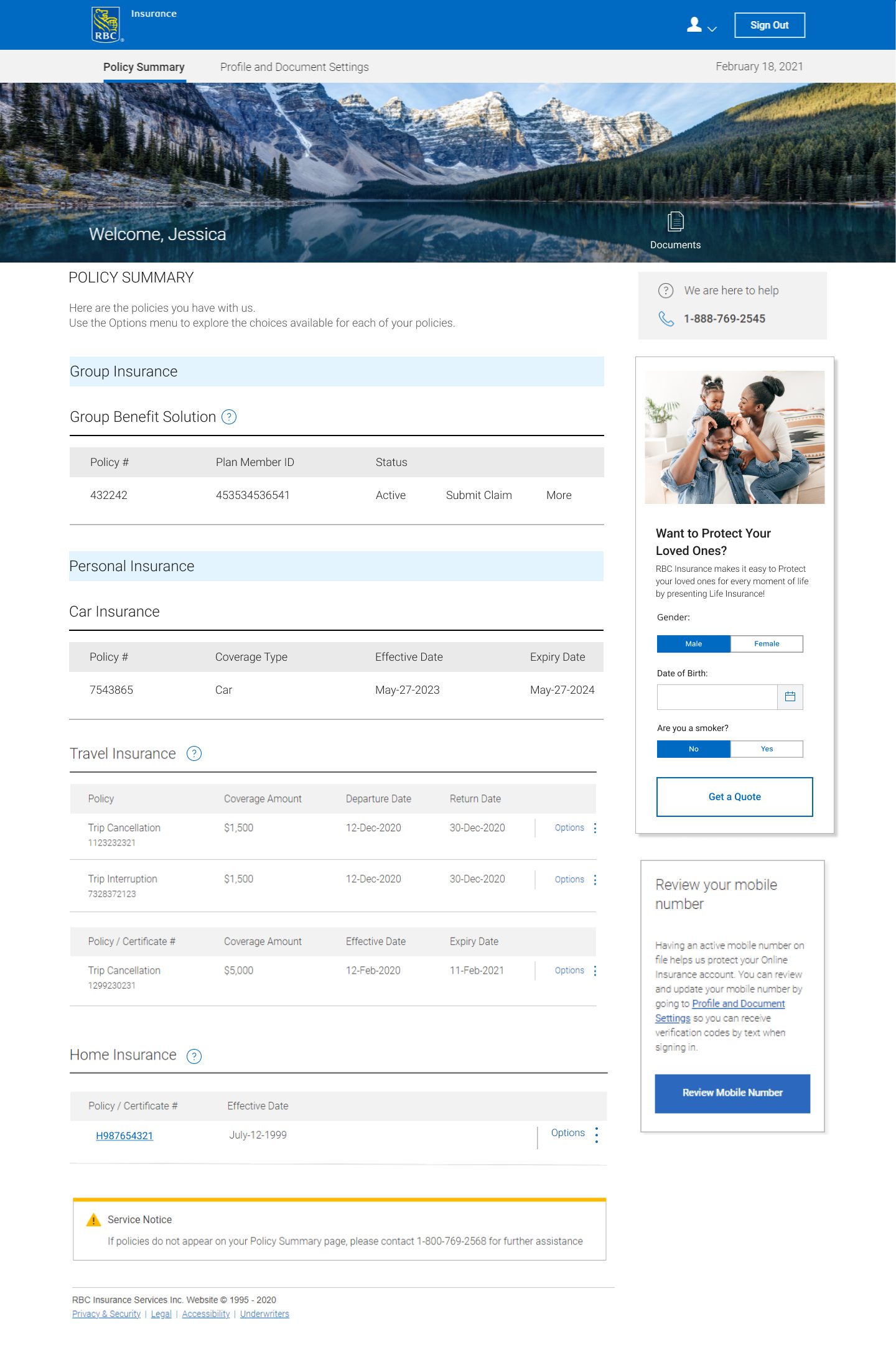
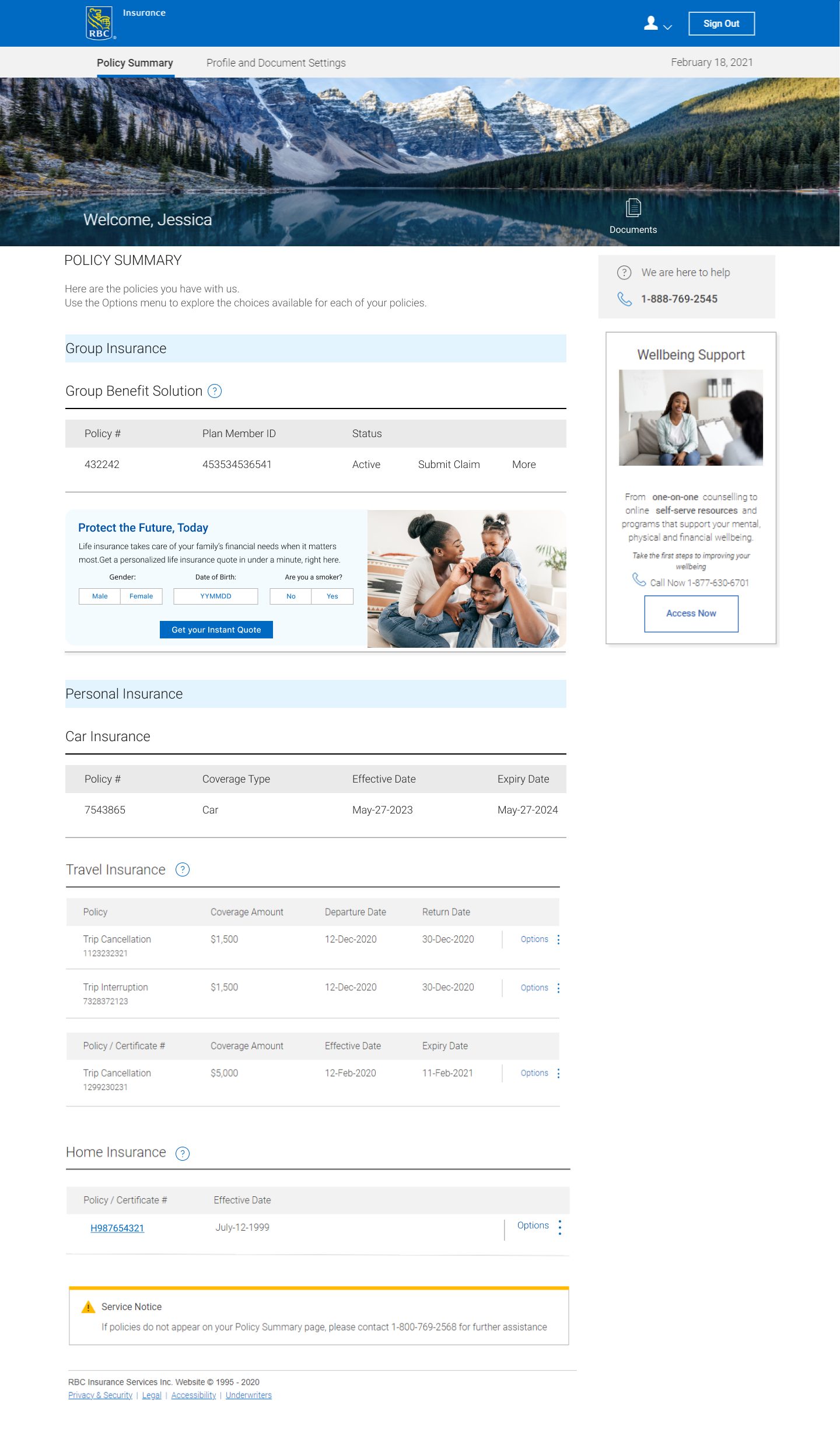
I mapped the current enrolment and sign-in journey to find where it had grown inconsistent: enrolment steps and authentication screens had developed separately, producing different conventions for the same actions, and errors, expiries, lockouts, and technical failures lacked consistent treatment.
Flows to design
Two flows, and every state between
The scope resolved into two primary flows plus the full set of recovery states — because for authentication, the recovery paths matter as much as the happy path. They're where brokers actually get stuck.
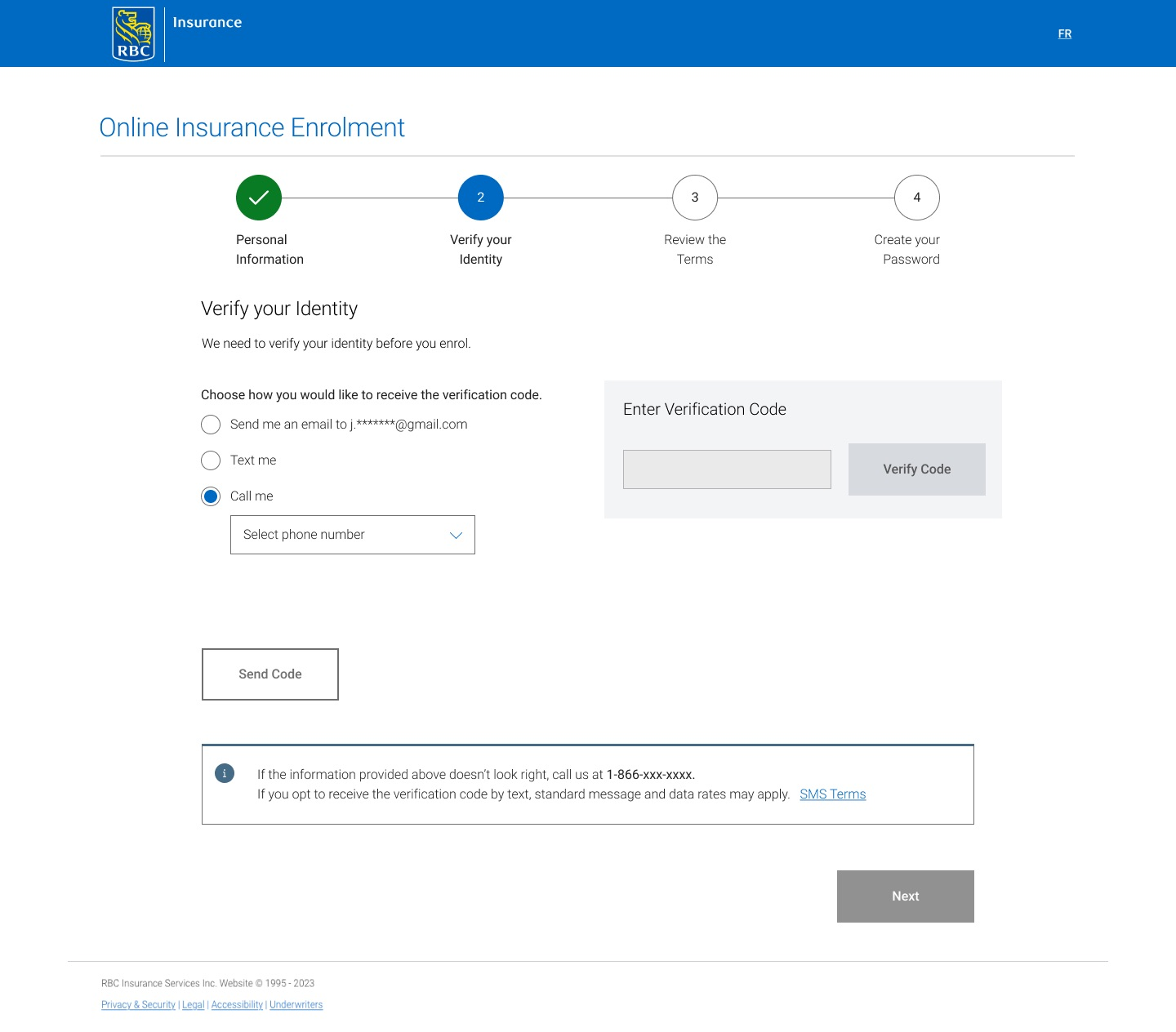
Enrolment — six steps
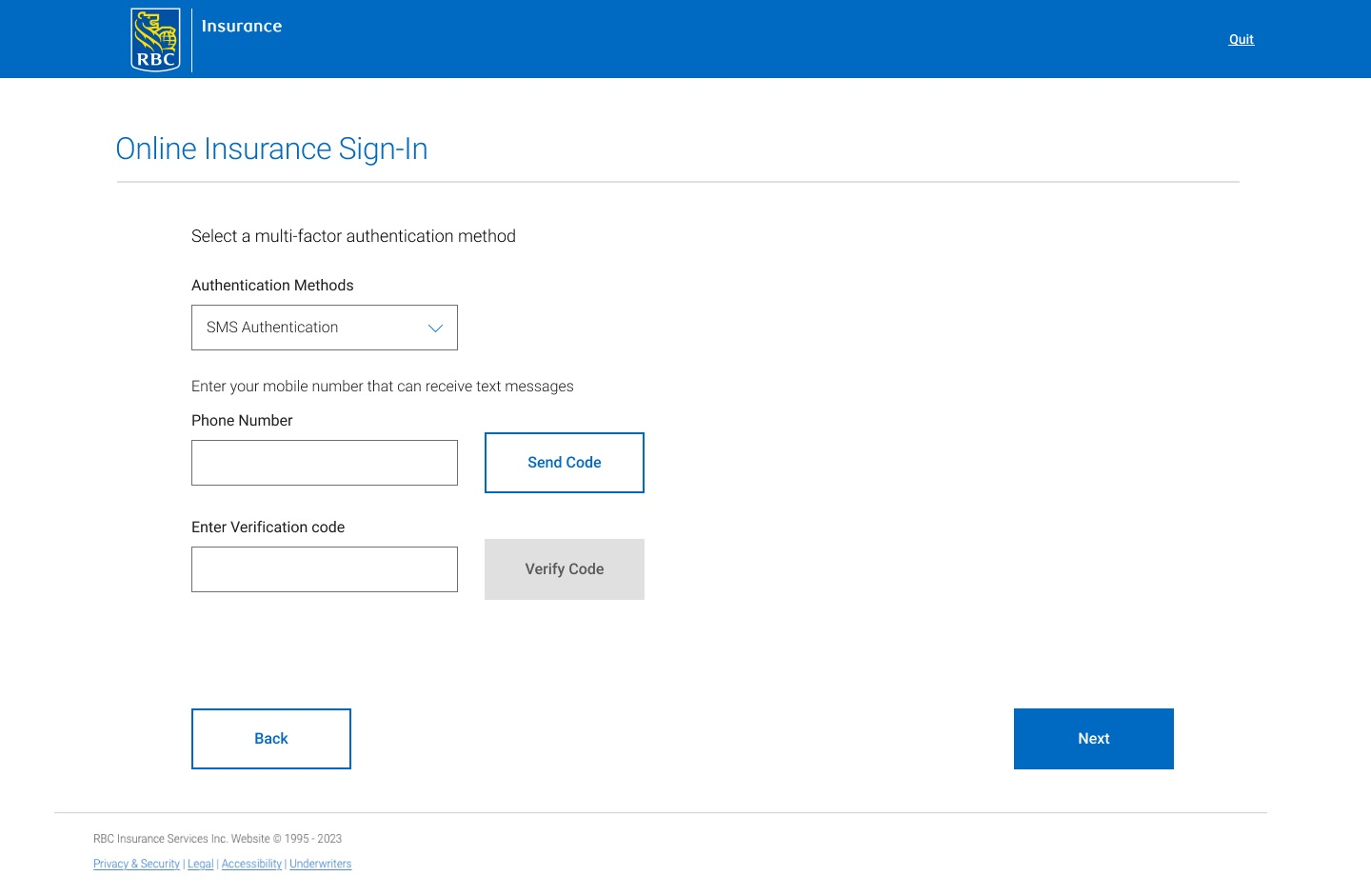
Before You Start → Personal Information → Verify Your Identity → Review the Terms → Create Your Password → Authentication Method.
Sign-in — three steps
Sign-in → Verify your identity via MFA → Dashboard.
Every state in between
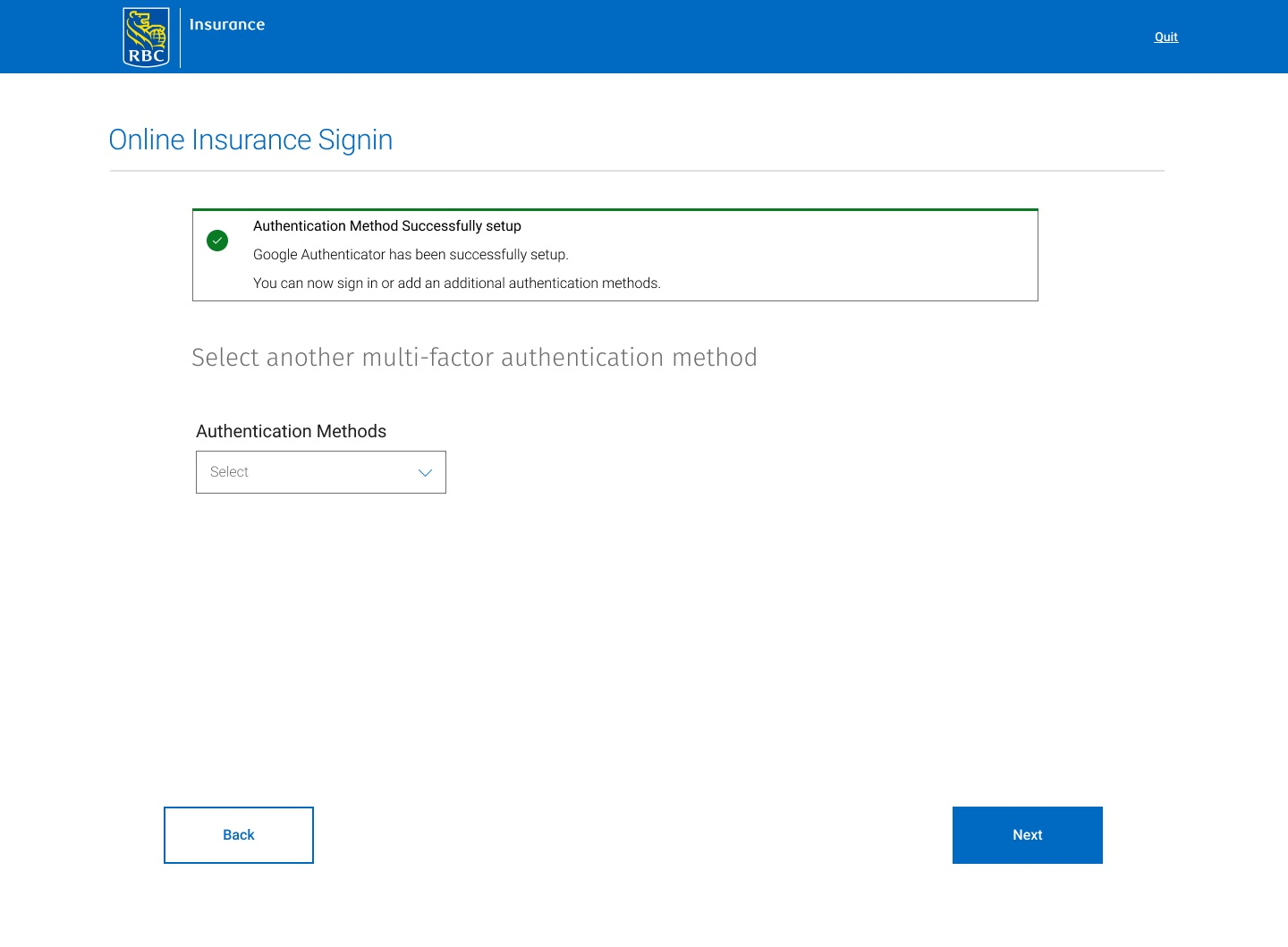
Error messages, expired-session screens, locked-session screens, unable-to-enrol, and technical-issue screens.
Standardized UI patterns
One pattern per action, in plain language
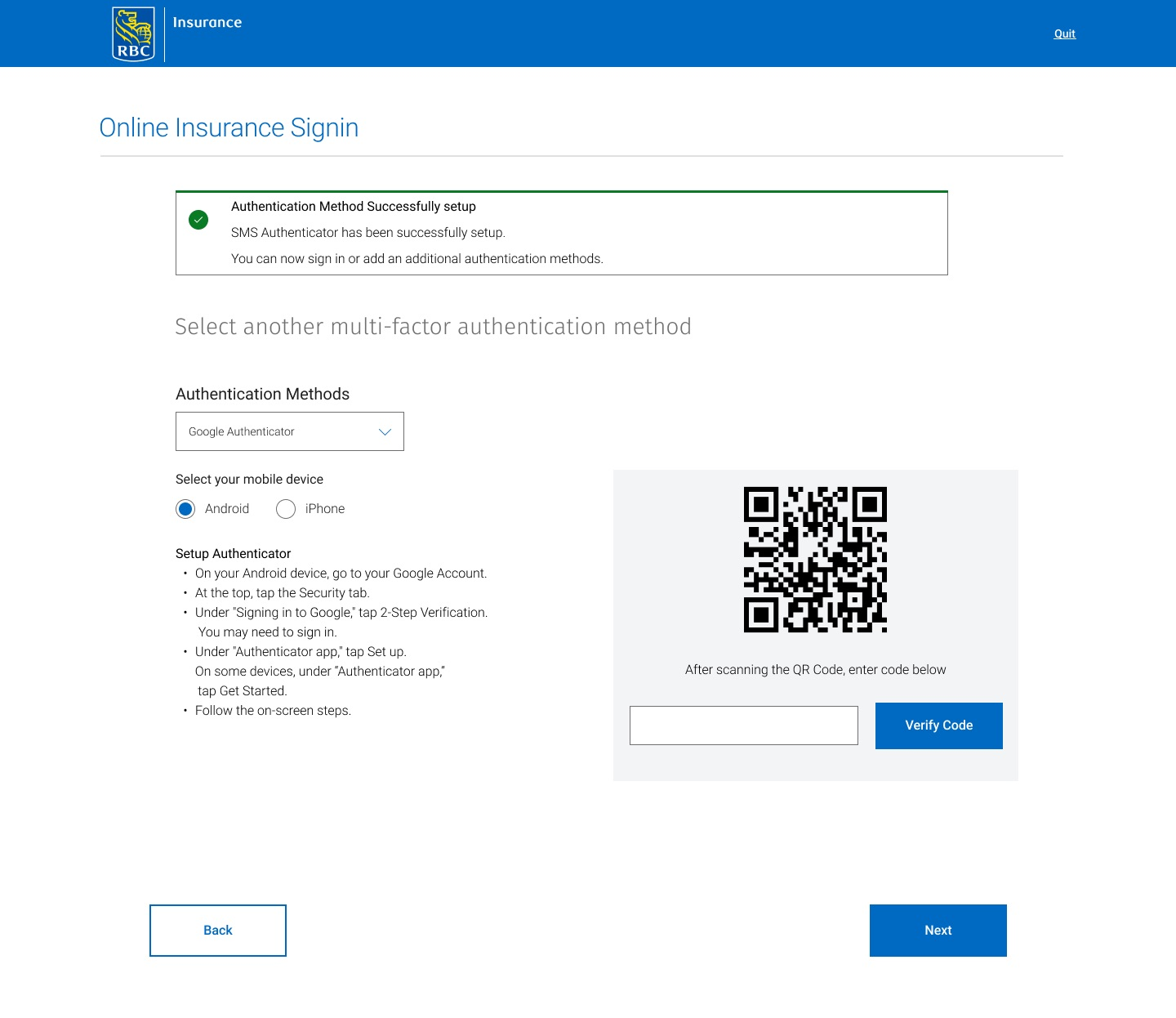
Both flows were rebuilt on a shared set of UI patterns, so a broker meets the same conventions whether enrolling for the first time or signing in on a new device. Multi-factor authentication was woven in with method selection handled in terms brokers recognize, not security jargon.
Reflection
Designing every failure state alongside the happy path changed how I scope authentication work. The screens nobody demos are the ones that decide whether a user completes enrolment or abandons it.
Outcome
Standardized patterns
A consistent UI vocabulary across enrolment and sign-in.
Full state coverage
Error, expiry, lockout, and failure states designed rather than improvised.
MFA integrated
New authentication requirements absorbed without added confusion.